
Download the Locowin App
Locowin offers thousands of games, including online slots, table games, live casino games and a sportsbook, and all of it works in a mobile browser. The app/download option is offered on the Locowin site, and you can also add a Locowin shortcut to your home screen so the site opens like an app.
New Locowin players can claim a welcome bonus after registration: up to £1,600 + 500 Free Spins across the first five deposits.
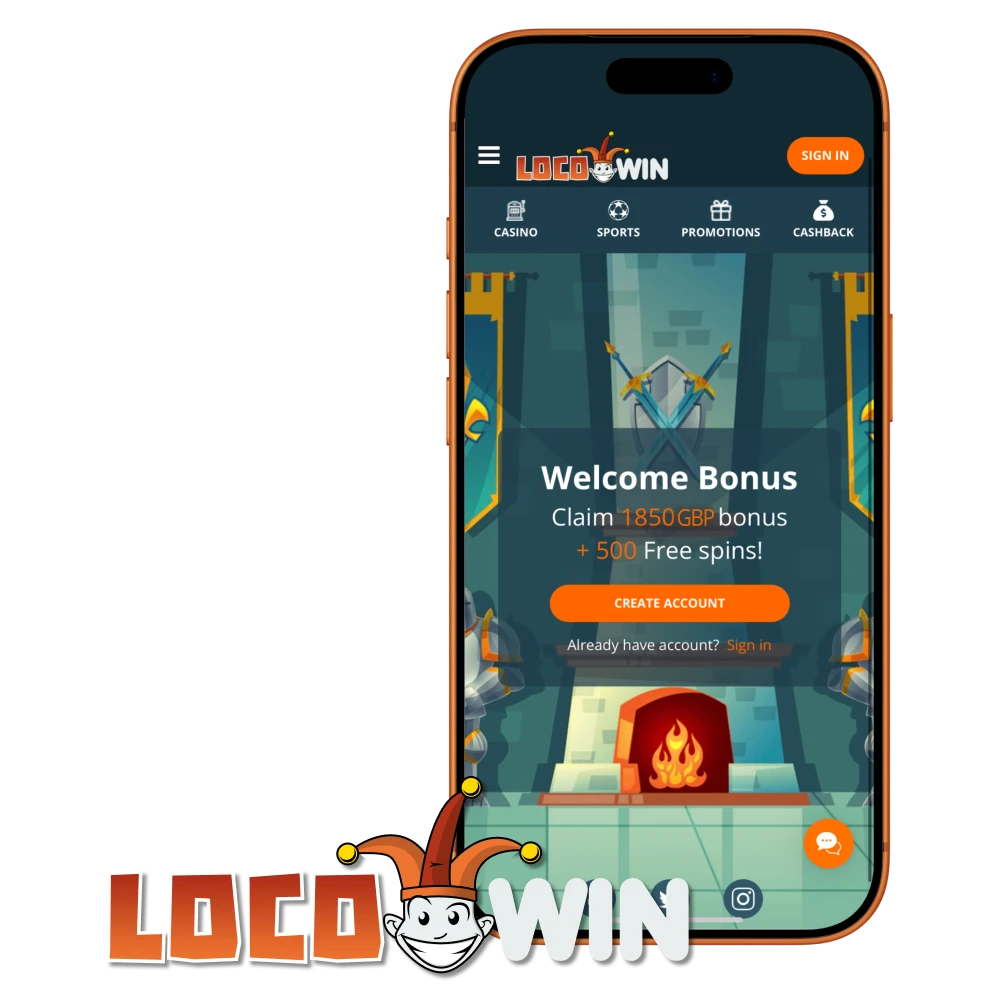
Interface of Locowin Casino App
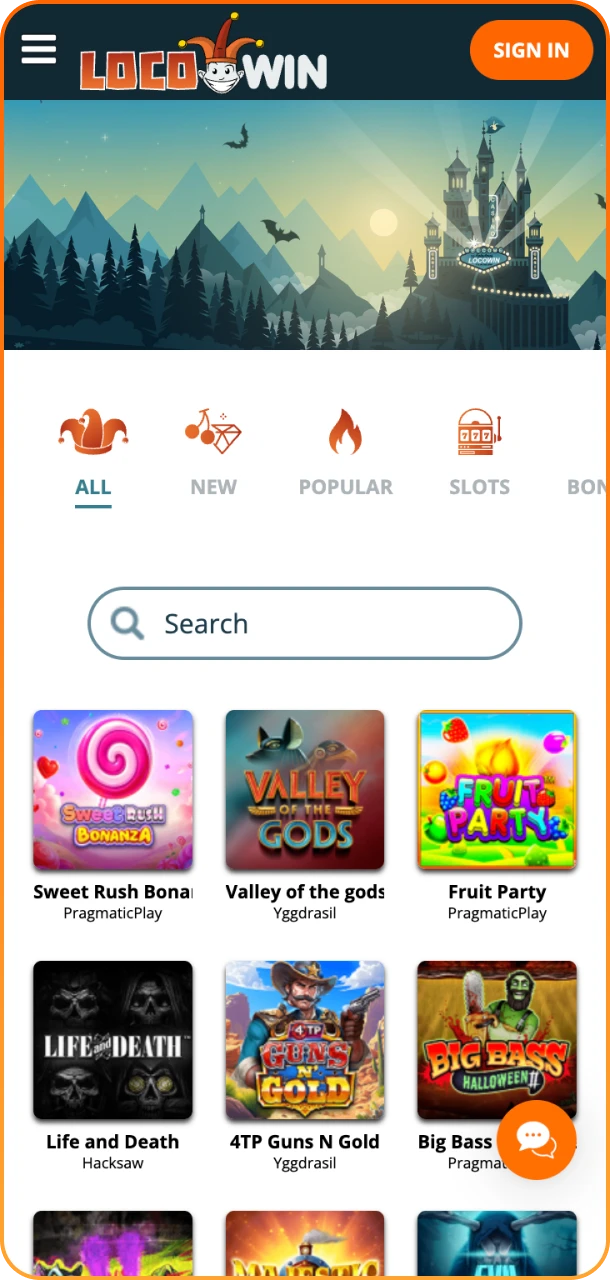
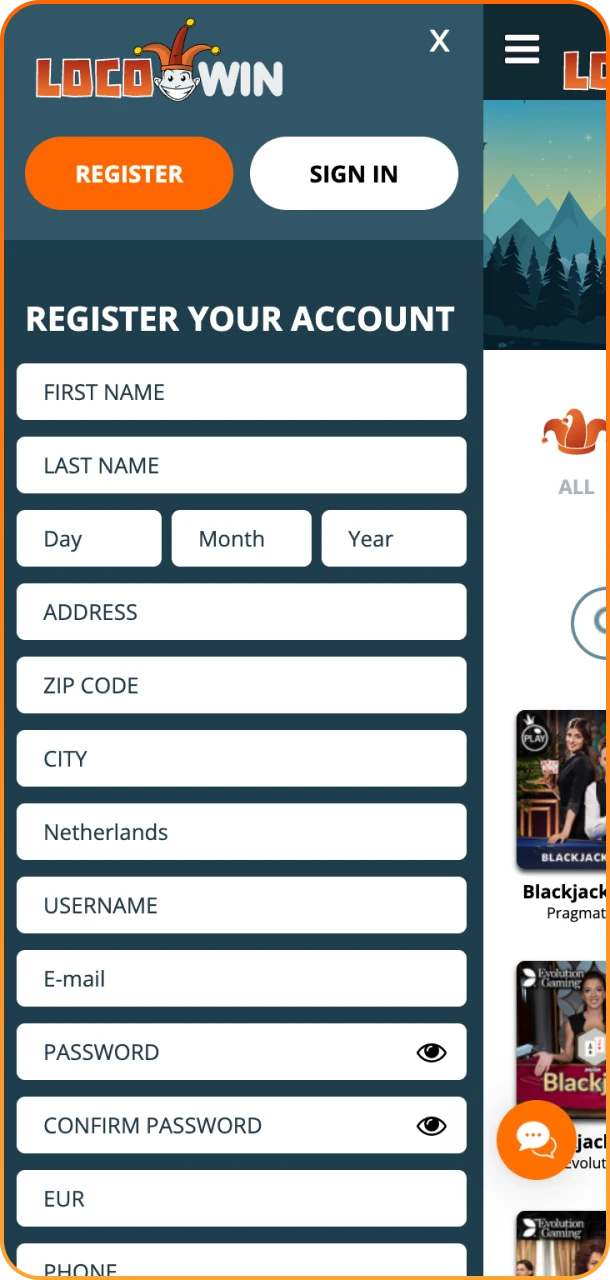
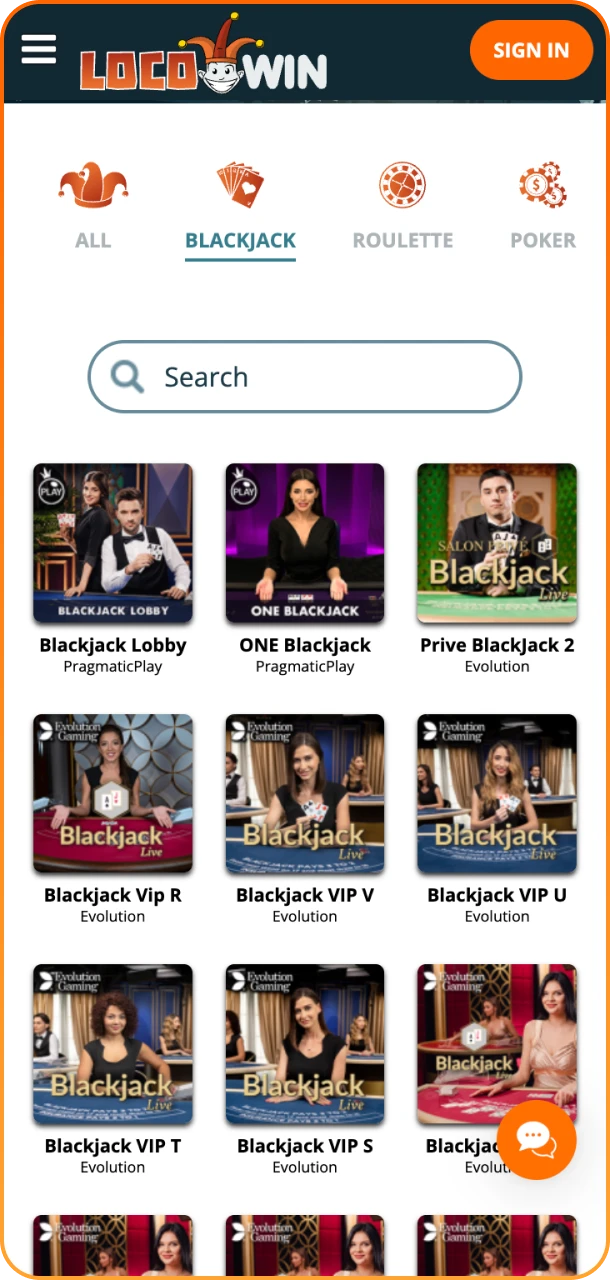
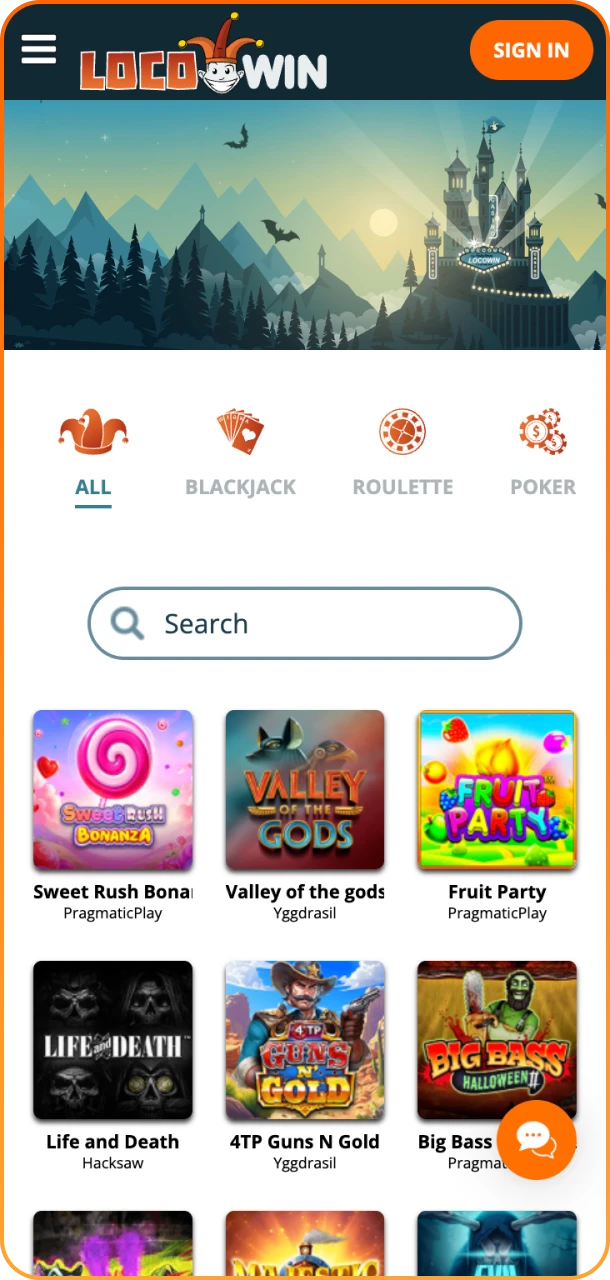
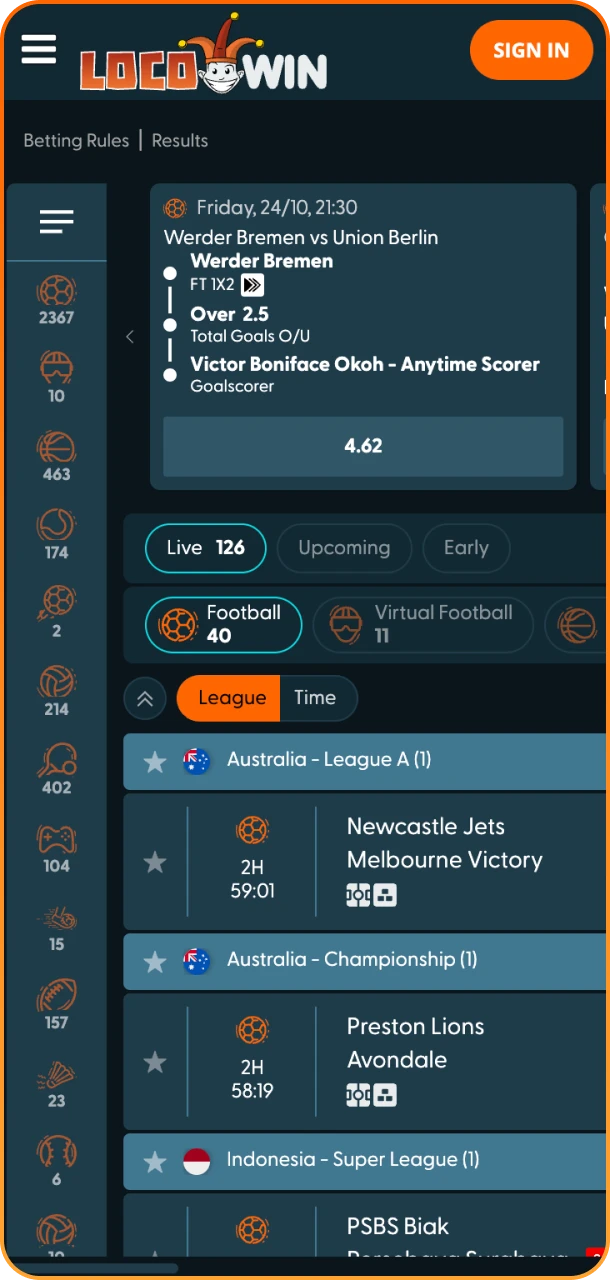
Locowin App Overview
Below are the key facts about using Locowin on a phone or tablet:
| Feature | Details |
| Format | Mobile version of the site in your browser |
| Home-screen shortcut | Available on Android and iOS |
| App download | The option is offered on the Locowin site |
| Category | Casino and sportsbook |
| OS compatibility | Android and iOS devices with an up-to-date browser |
How to Add Locowin to Your Home Screen
Adding a Locowin shortcut works in much the same way on Android and iOS. It is done in your web browser and takes about a minute. Follow the instructions for your device below:
How to Download Locowin on Android?
To add a Locowin shortcut to an Android home screen without visiting an app store, follow these few steps:
Step 1
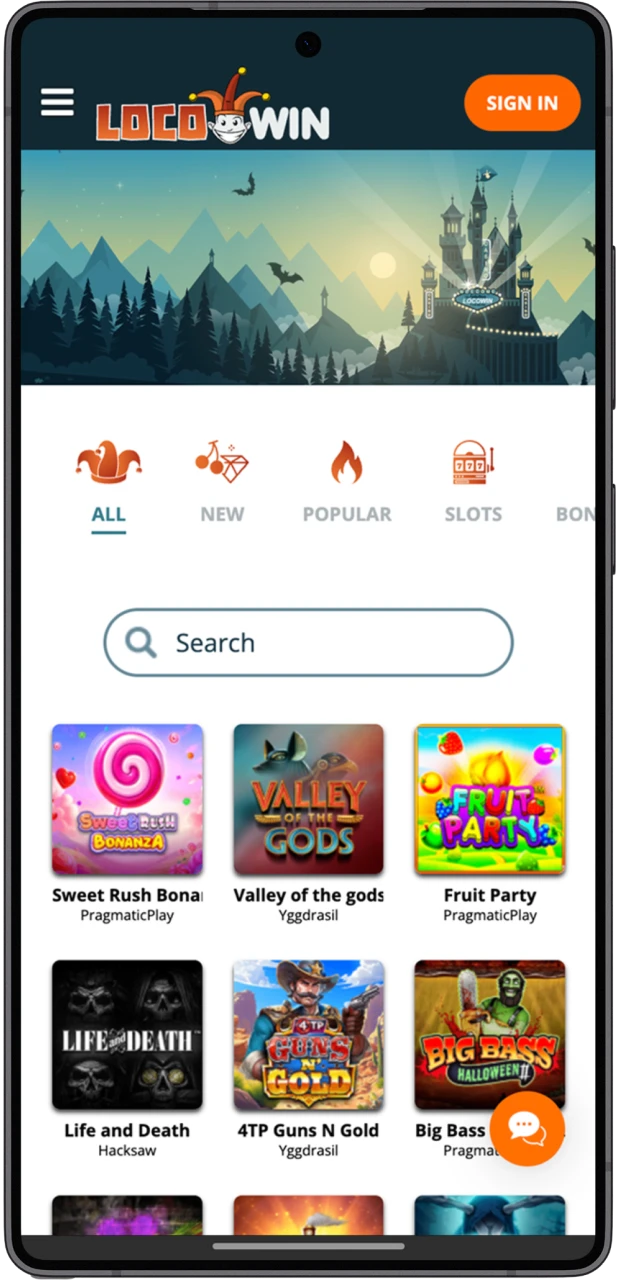
Open Locowin Site
Open your browser and go to the Locowin site.
Step 2
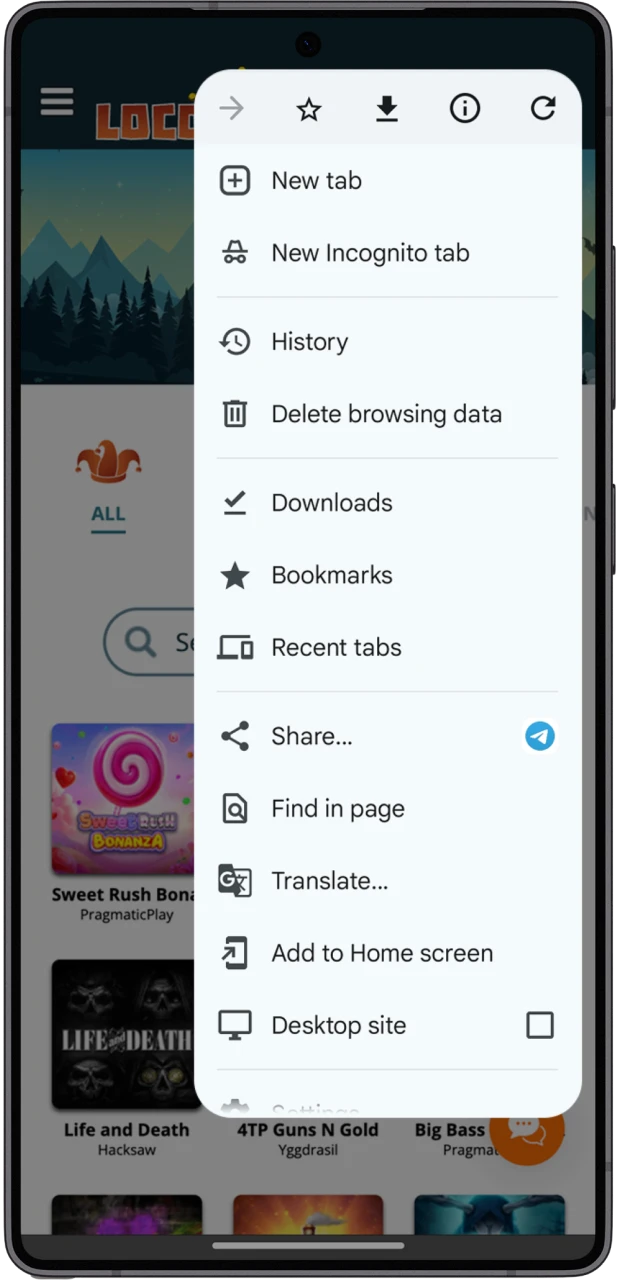
Open Browser Menu
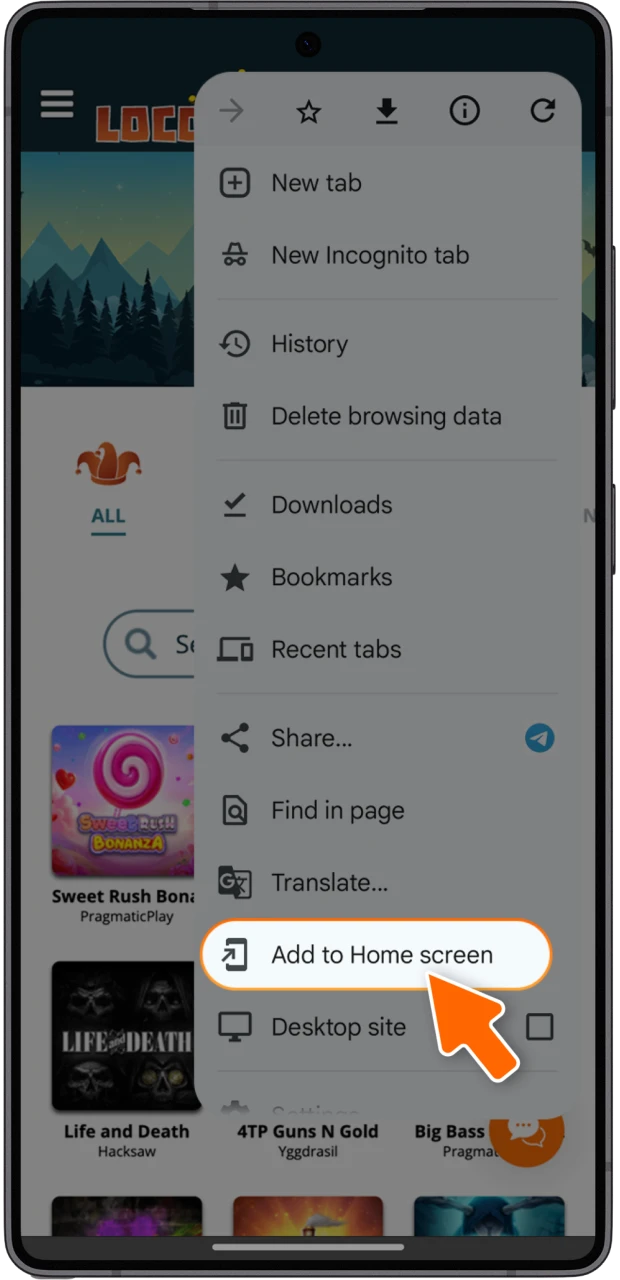
Tap the browser menu (three dots) in the top-right corner.
Step 3
Add to Home Screen
Select “Add to Home screen” and name the shortcut.
Step 4
Launch Locowin
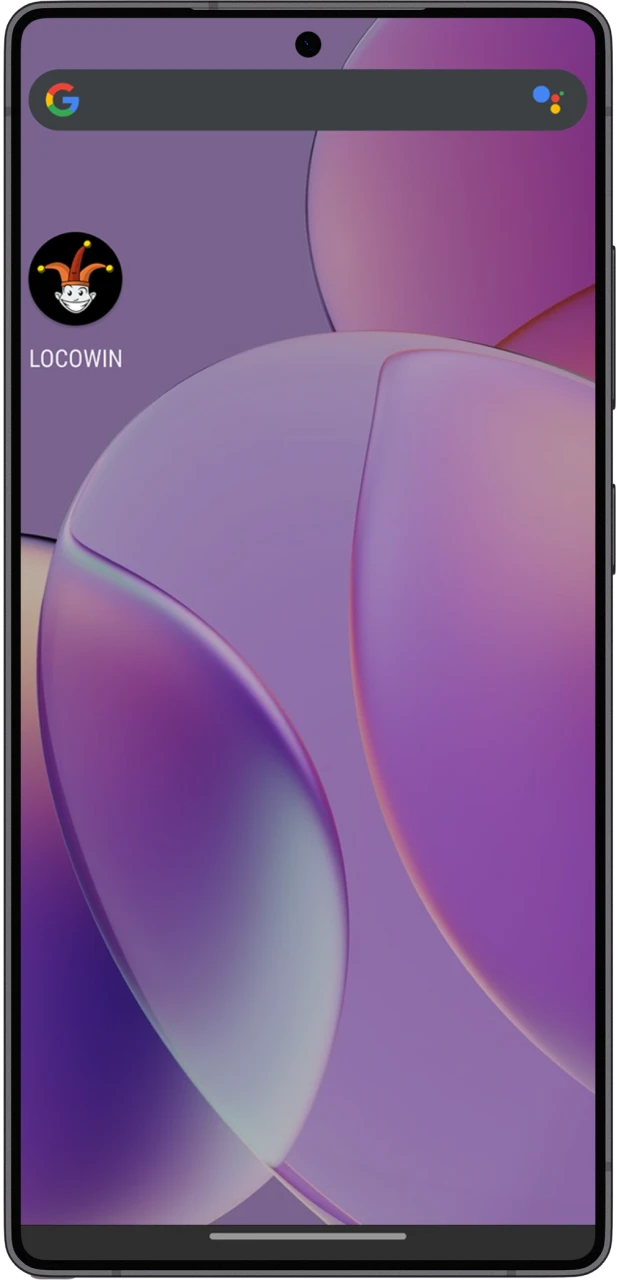
Find the new Locowin icon on your home screen and tap it to open the site.
How to Download Locowin on iOS?
On iPhone and iPad, you can create a home-screen shortcut in Safari. Use the steps below to add the Locowin icon:
Step 1
Open Safari
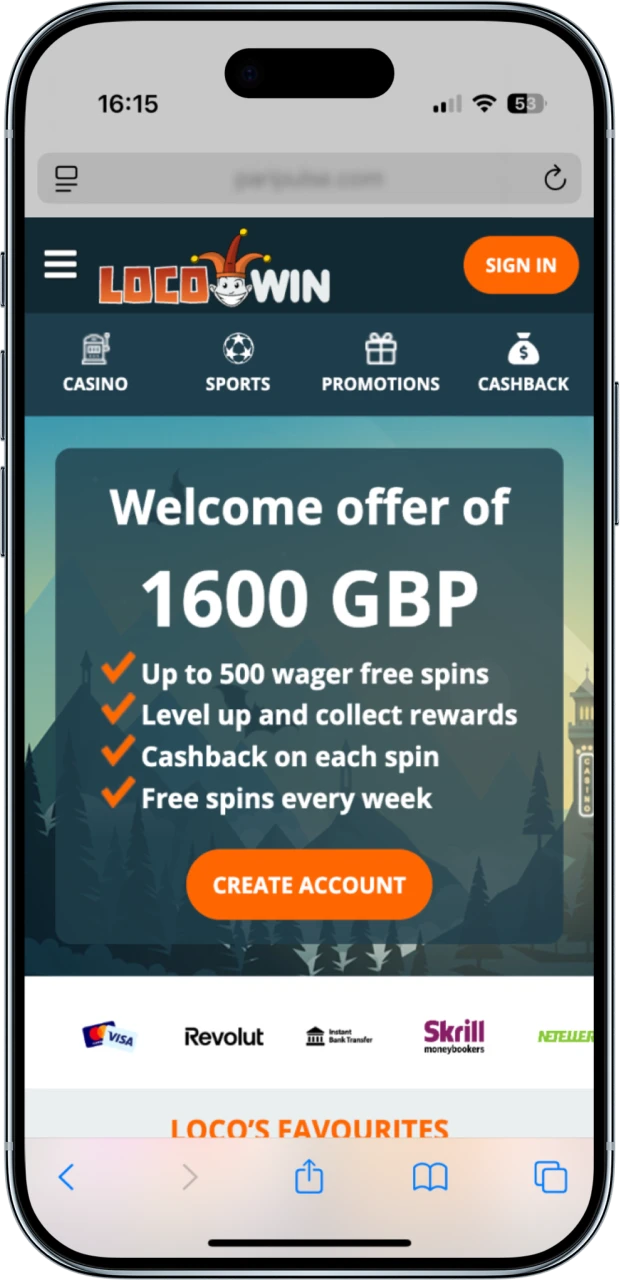
Open Safari and go to the Locowin website.
Step 2
Tap Share Icon
Tap “Share” (the square with an arrow) at the bottom of the screen.
Step 3
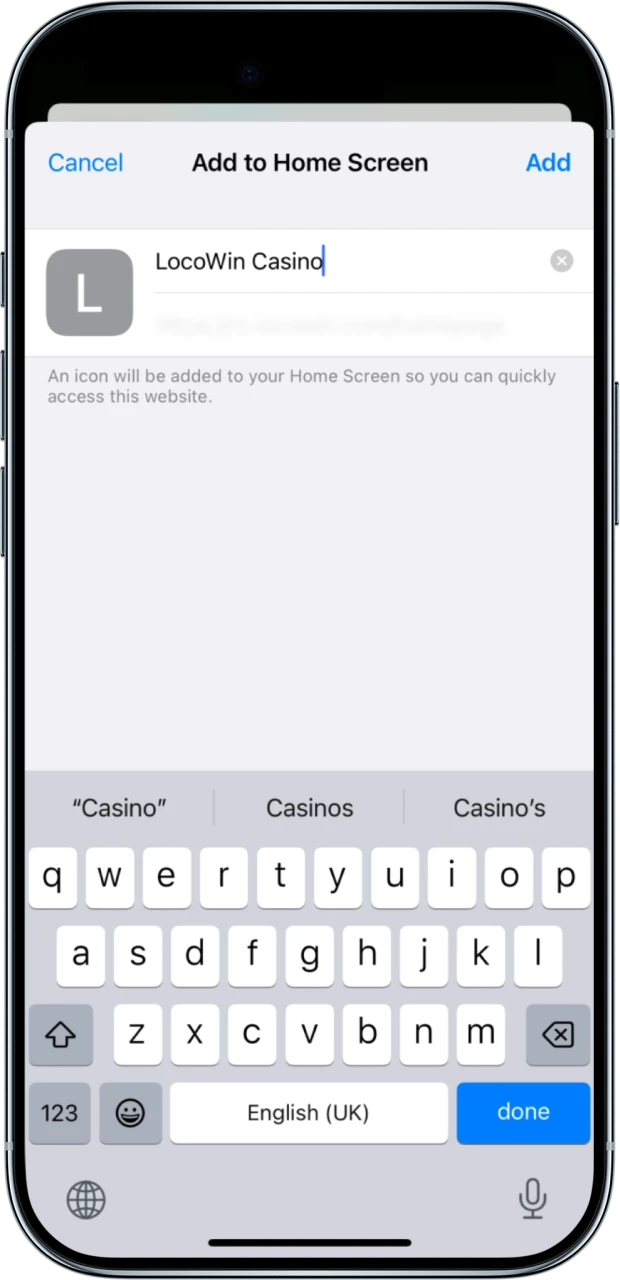
Add to Home Screen
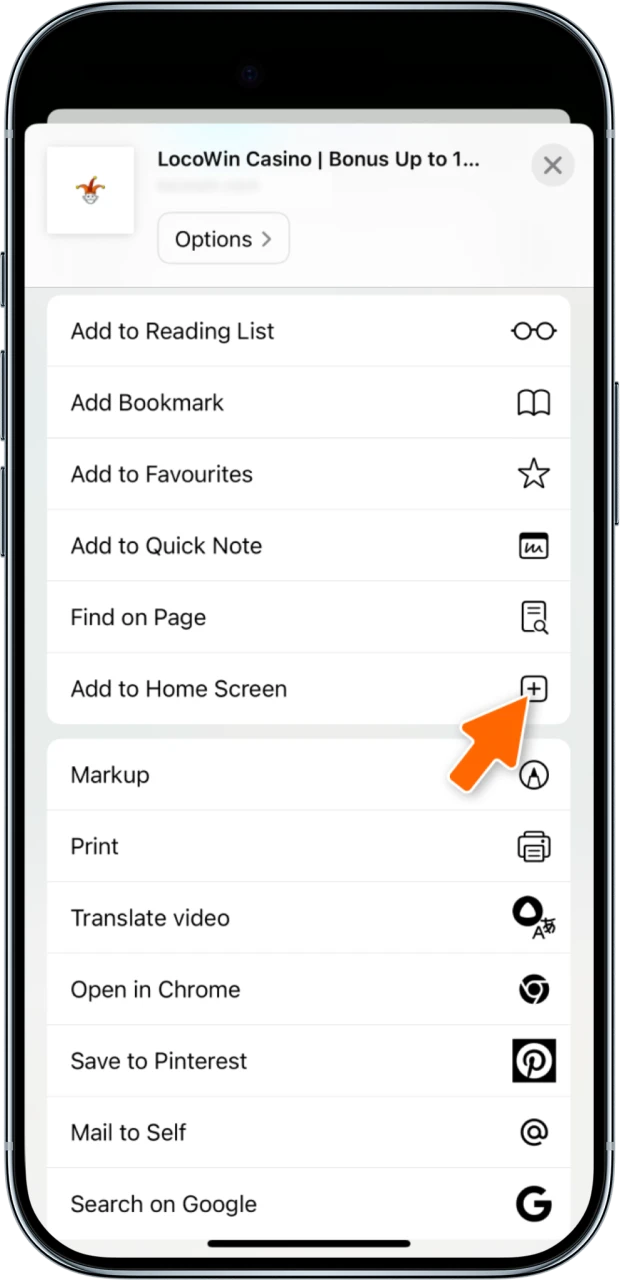
Choose “Add to Home Screen”, edit the name and tap “Add”.
Step 4
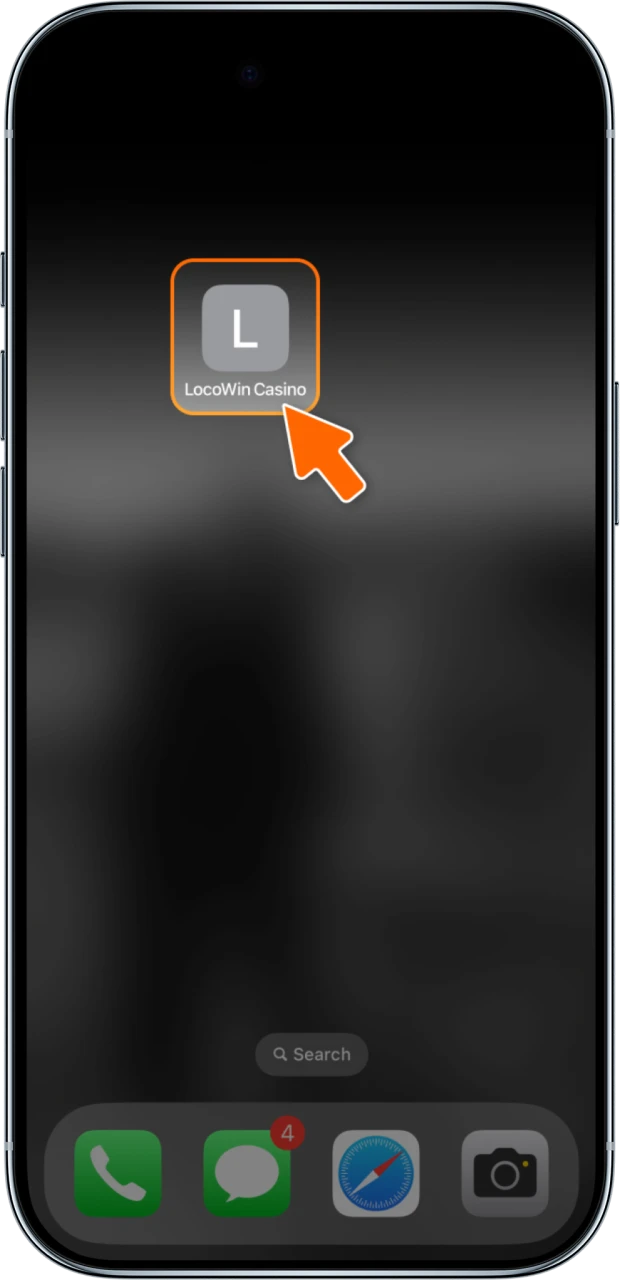
Launch Locowin
Launch Locowin from the home-screen icon to use the site in full screen.
System Requirements and Compatibility
Locowin does not publish minimum system requirements for mobile play. Since everything runs in the browser, an Android or iOS smartphone or tablet with an up-to-date browser (such as Chrome or Safari) and a stable internet connection is enough. Keeping your operating system and browser updated helps the site run smoothly.
Register on Mobile
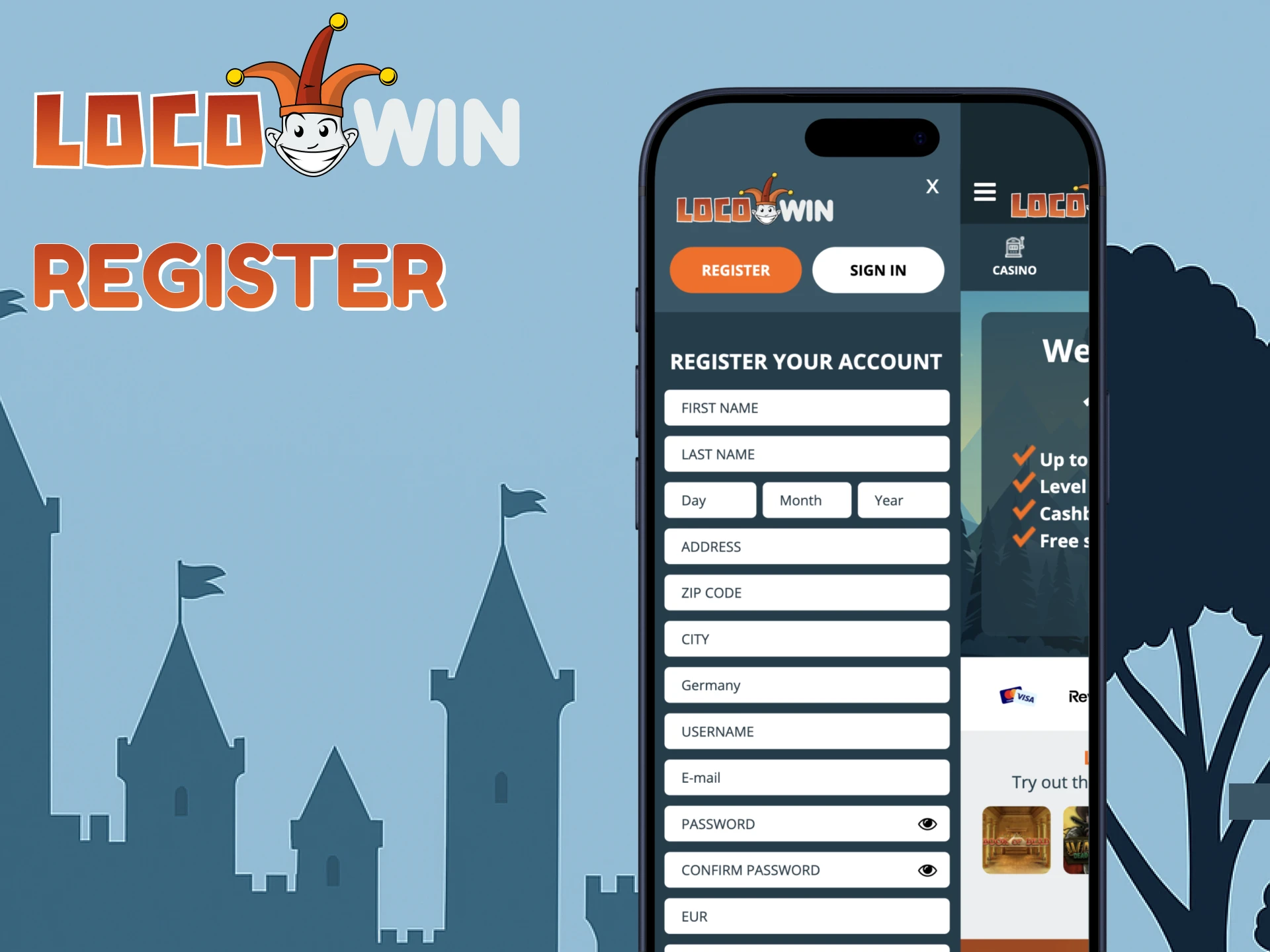
To start playing at Locowin, you need to register. Registration on mobile works the same way as on desktop:
- Open Locowin from your home screen or browser and tap “Create Account”.
- Enter your full name, date of birth, email, mobile number and the other required details.
- Choose a secure password, select your account currency and accept the terms.
- Confirm your email or phone number if the site asks you to.
- If Locowin requests identity verification (usually before the first withdrawal), follow the instructions in the request and send the documents it lists.
Once registered, the account is ready for deposits, casino games and sports betting. The welcome bonus can be claimed with your first deposit.
Quick and Easy Access to Locowin
Getting back into your account on mobile is quick. Here is how to log in and place a bet or open a slot game:
- Tap the Locowin icon on your home screen.
- Tap “Sign in”.
- Enter your email or username and password.
After you log in, all Locowin features are available. Choose “Deposit” to fund your account, then select a game or sports event and place your bet.
Welcome Bonus
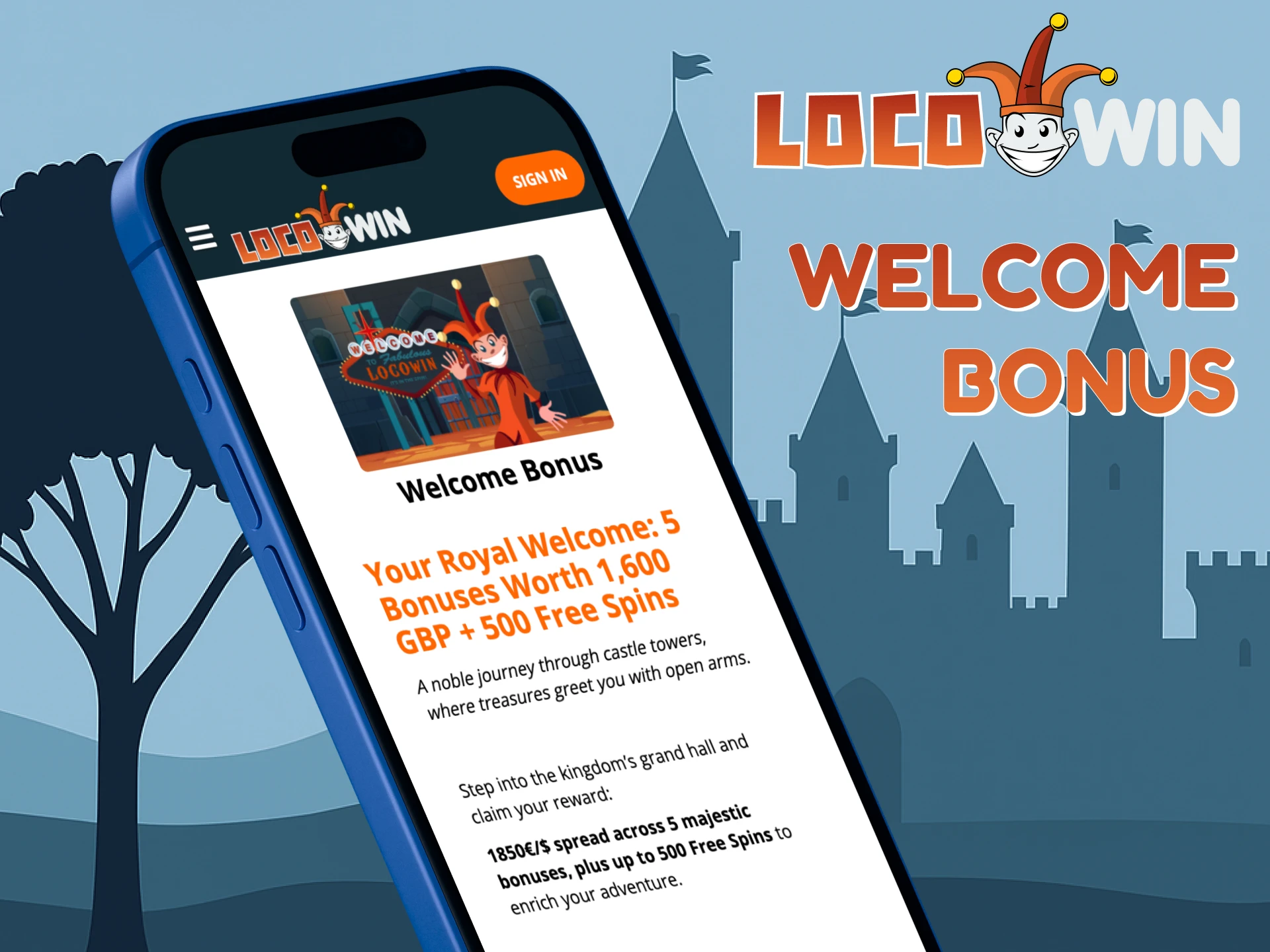
The Locowin welcome package gives new players a bonus on their first five deposits: up to £1,600 + 500 FS. It adds bonus money to your top-ups and gives free spins for casino games. The bonus must be wagered x36 within 30 days, while the welcome free spins have no wagering. Here is how the bonus is spread across the deposits:
- First deposit — 100% match;
- Second deposit — 85% match;
- Third deposit — 75% match;
- Fourth deposit — 50% match;
- Fifth deposit — 100% match.
GBP amounts are approximate equivalents of the euro amounts in Locowin’s terms.
Licence and Operator
Locowin is run by Starscream Limited (Saint Lucia) and operates under Client Provider Authorization No. 00952 from the Kahnawake Gaming Commission. This is not a UK Gambling Commission licence, so check whether online gambling with this operator is allowed where you live. Locowin is for players aged 18 and over. Deposits and withdrawals are covered on the payments page.
Responsible Gaming at Locowin
Locowin offers a number of account controls that help players gamble responsibly. If you see signs of stress or compulsive play, use these tools immediately and contact support for assistance:
- Deposit limits;
- Temporary self-exclusion;
- Permanent self-exclusion.
FAQ
Can I Use the Same Account on Desktop and Mobile?
Yes, your login details and balance are the same on desktop and mobile.
Will I Stay Logged In on Mobile?
The browser keeps your session data, so you normally stay logged in when you come back to Locowin.
Are Deposits and Withdrawals Available on Mobile?
Yes. The mobile site offers the same payment methods as the desktop version, including Visa, Mastercard, Skrill, Neteller, MiFinity, CASHlib and cryptocurrencies. Available methods and limits are shown in the cashier.
How Do I Get Support if I Have a Problem on Mobile?
Use the live chat on the Locowin site. It is available in the mobile version too, under “Live Support”.
Updated:
Comments